
Subscribe to Save
Never run out of your Dr Dennis Gross essentials. Subscribe to save 15% off and free shipping on every delivery.
Subscription Benefits
- + 15% Off all subscription orders
- + Free shipping on all orders
- + Flexible subscription frequency options
- + Pause, Skip or Cancel anytime
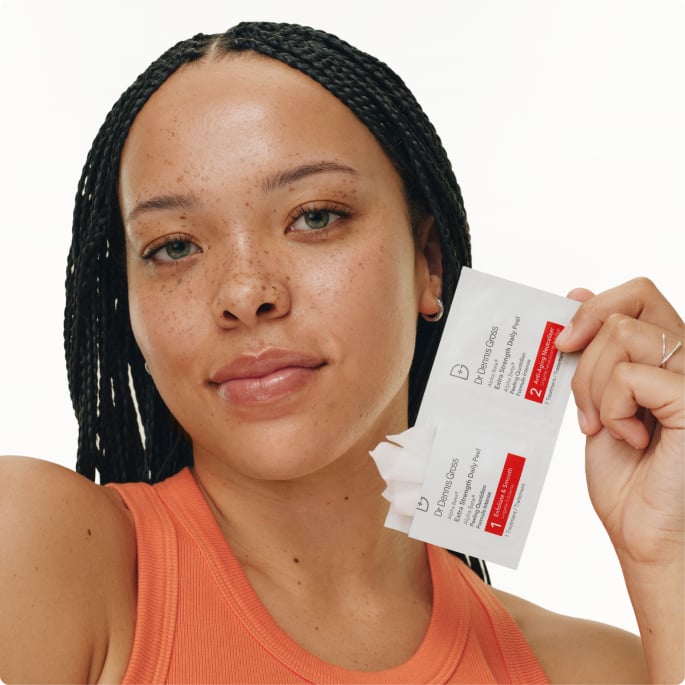
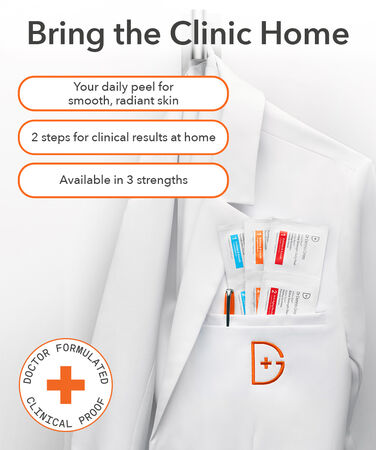
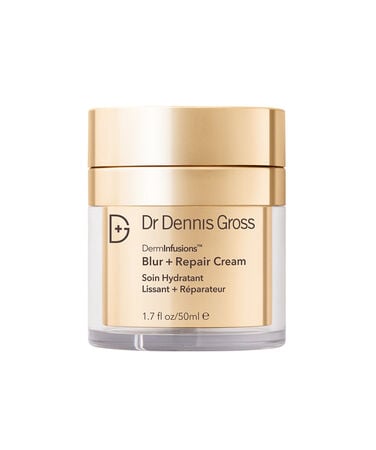
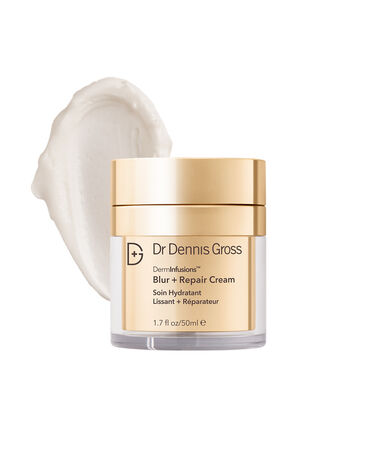
Shop Subscription Favorites
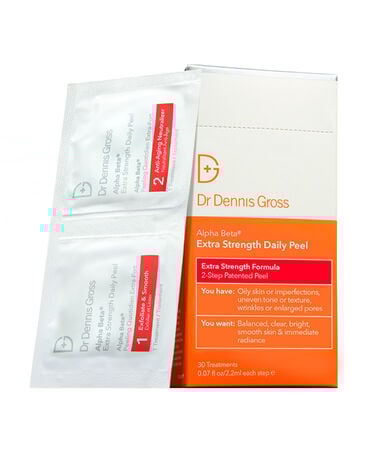
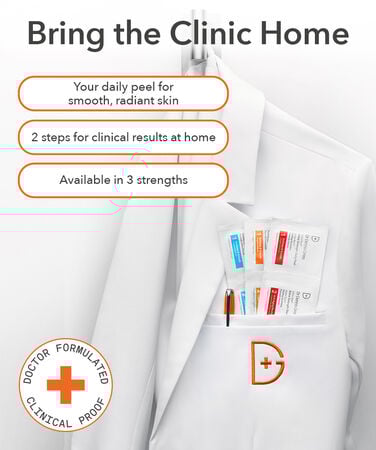
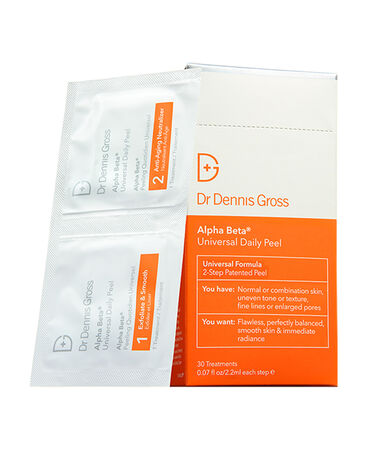



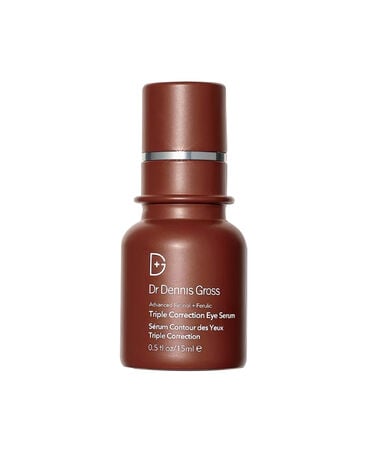

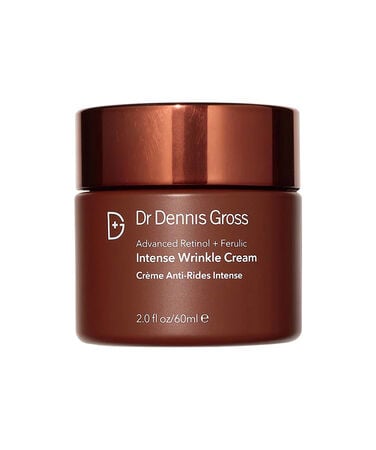
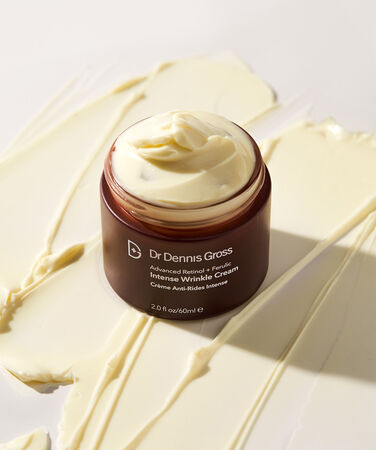
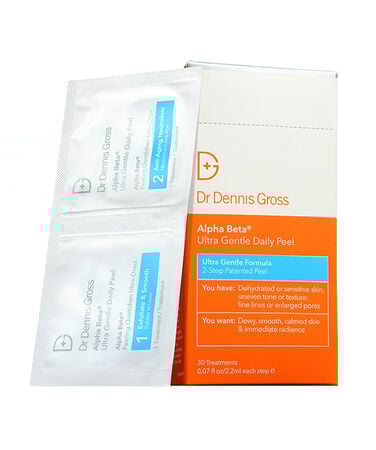



Get Started
in 3 Steps
Shop and Subscribe
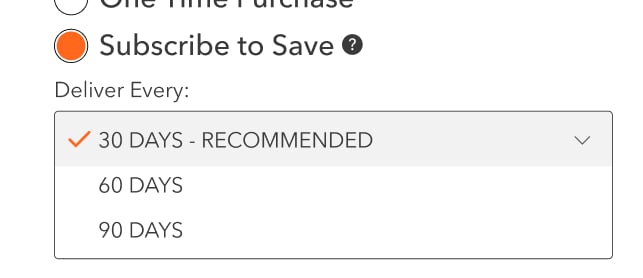
When shopping for an eligible product, simply look for the "Subscribe to Save" option, and select your preferred cycle (30, 60 or 90 days).
Checkout
Create an account or log in to receive 15% off plus free shipping on subscription products.
We will send you a reminder email before your next order is processed, so you can make any updates if needed.
Manage
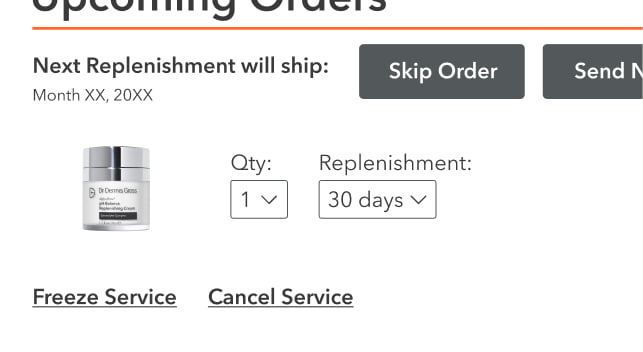
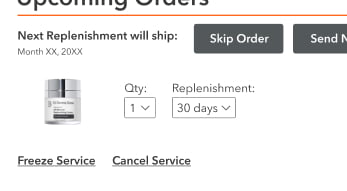
Log in to your account to manage your delivery frequency, shipping details, quantities, or product swaps.
You can also pause, skip a delivery, or cancel your subscription at any time.
Shop and Subscribe
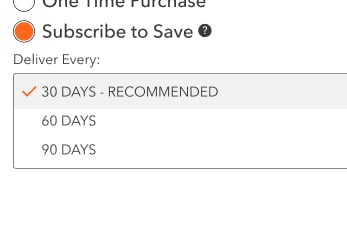
When shopping for an eligible product, simply look for the "Subscribe to Save" option, and select your preferred cycle (30, 60 or 90 days).
Checkout
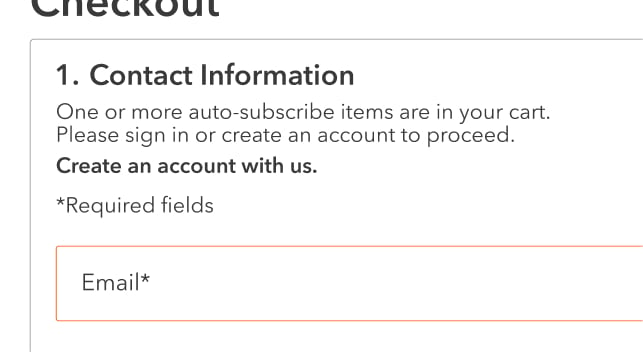
Create an account or log in to receive 15% off plus free shipping on subscription products.
We will send you a reminder email before your next order is processed, so you can make any updates if needed.
Manage
Log in to your account to manage your delivery frequency, shipping details, quantities, or product swaps.
You can also pause, skip a delivery, or cancel your subscription at any time.
Frequently Asked Questions
What is Subscribe to Save?
Subscribe to Save is a service that allows you to set up automatic shipments of select Dr Dennis Gross products at your preferred frequency with free ground shipping and at 15% off.
What is the advantage to Subscribe to Save?
With Subscribe to Save, you’ll never run out of your favorite Dr. Dennis Gross products. You’ll receive free ground shipping and 15% off Subscribe to Save orders.
How will I know about my upcoming Subscribe to Save order?
You will receive an email confirming your upcoming Subscribe to Save order. You can update the frequency or cancel an upcoming order from your reminder email.
Can I edit, cancel, or change the frequency of my upcoming Subscribe to Save order?
Yes. To manage your Subscribe to Save order(s) at any time, sign in to your account and go to the Order History tab in My Account. You can cancel or edit the quantity and frequency of yourSubscribe to Save orders up to 24 hours before your next order is due to ship. Your next scheduled Subscribe to Save order date will display in this section as well.
Who do I contact if I experience issues placing or managing my Subscribe to Save order(s)?
You can manage your account by signing in and going to the Order History tab in My Account or by contacting our customer service team at customerservice@drdennisgross.com.
Is Subscribe to Save available on all products?
No. We offer Subscribe to Save only on select products. You can see whether an item is available for Subscribe to Save on its product page.
Will I be charged for shipping on my Subscribe to Save order?
All Subscribe to Save orders include complimentary ground shipping.
What forms of payment can be used for my Subscribe to Save order?
You can pay with any valid credit card. Please note, Flex (HSA/FSA), PayPal, ApplePay and Afterpay are not acceptable forms of payment on Subscribe to Save orders.
Can I change my method of payment for my Subscribe to Save order?
You can change your form of payment for an upcoming Subscribe to Save order from within My Account. You can add or delete your valid credit card information here as well.
Can I edit the shipping address for an upcoming Subscribe to Save order?
Subscribe to Save orders are shipped to the default billing and shipping addresses. You can edit this information at any time by logging into My Account.
I noticed some changes in my account, what’s new with the subscription program?
We’ve refined the subscription experience to make it more intuitive and effortless to manage. Your delivery schedule and benefits remain unchanged, the update simply enhances how you interact with and manage your subscription.
How do I combine items to be in the same order?
Subscribe To Save items that have the same order date, shipping address, billing address, and payment method will ship as one order. If you have more than one Subscribe To Save item and want the items to ship in the same order, simply visit the Subscribe To Save tab in the My Account section and change the next order dates to be the same. If they do not combine, confirm the orders are going to the same shipping address and have the same billing address and payment method.
Why are my payment method and address saved automatically?
Subscriptions require a saved payment method and delivery address so future shipments can be processed seamlessly without interruption. For this reason, the card and address you use at checkout will be securely saved to your account and used only for upcoming scheduled deliveries. You can update or manage these details at any time in My Account.